How Dollar Dash works

See how Dollar Dash connects cash, players and local shops.

Scan the unique serial number on a New Zealand banknote, see what you discover and explore offers from participating businesses. When you find something you want, redeem it in-store.

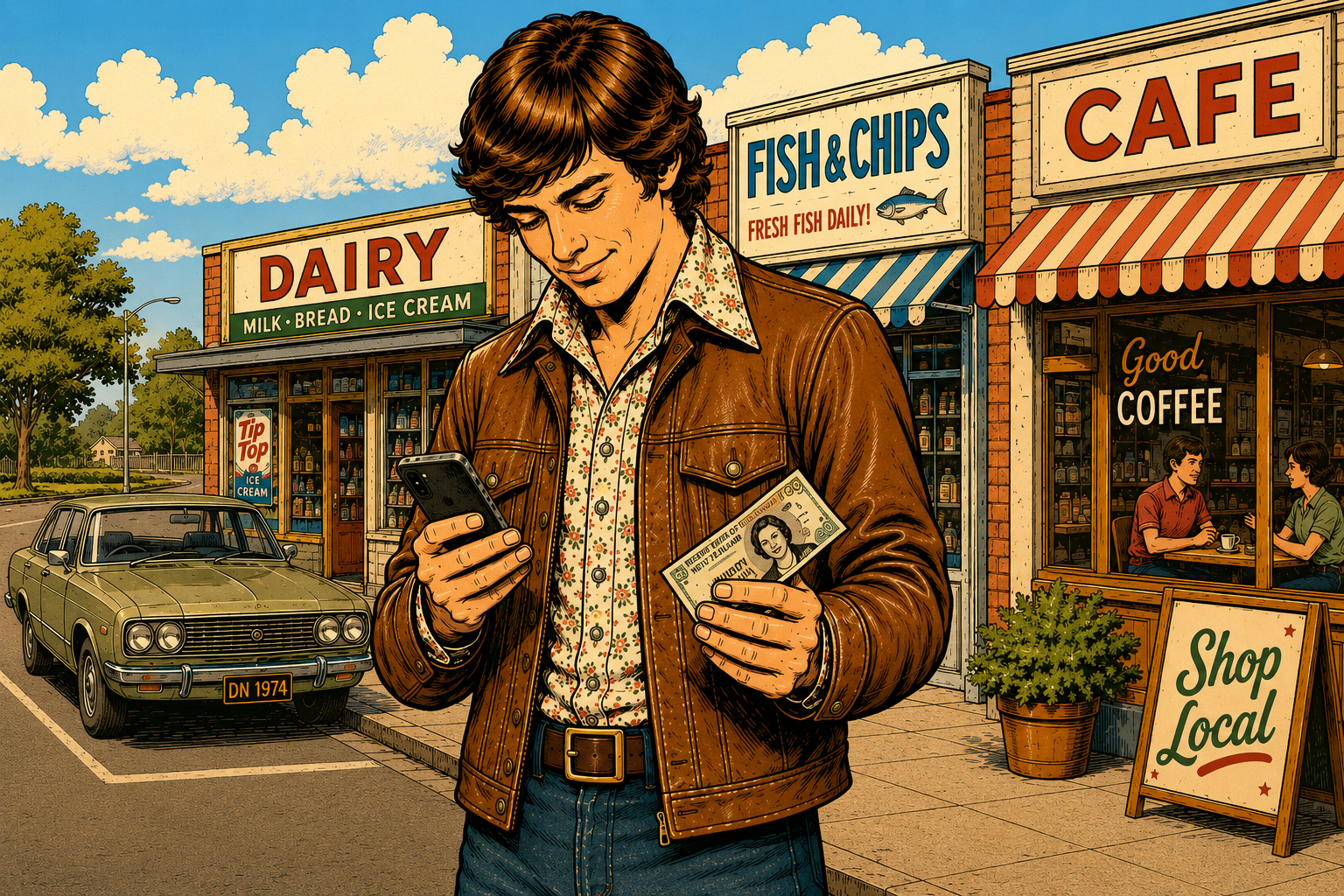
A Dollar Dash player scanning a banknote near local shops
Video walkthrough Coming soon
A short player-and-shop walkthrough will live here. For now, follow the simple flows below.
Two connected experiences

Simple for players. Useful for local shops.

For players

Scan → Discover → Redeem

  1. 1
    Scan a note

    Open Dollar Dash and scan or enter its serial number.

  2. 2
    See what you discover

    A note that’s new to you can add to your score, and some notes reveal local offers.

  3. 3
    Redeem in-store

    Choose an offer and let the participating shop complete a quick phone-to-phone redemption.
Learn how to play →
For local shops

Create → Reach → Measure

  1. 1
    Create an offer

    Add the offer details and expiry date in the shop owner portal.

  2. 2
    Reach local players

    Your offers can be discovered by people playing Dollar Dash nearby.

  3. 3
    Redeem and learn

    Scan the customer’s in-app QR, then see offer activity and redemptions in your dashboard.

See Dollar Dash for shops →
Free to play

No purchase needed to join the hunt.

You do not need to buy anything to scan notes or claim a free prize. Deals from participating shops may have their own conditions, shown with each offer in the app.

See prize details →
Ready to play?

A winning note may already be in your wallet.

Available now on Android. iPhone coming soon.

Get it on Google Play
Own a local shop?

Turn discoveries into real visits.

See how offers, redemption and simple reporting work for your business.

Explore Dollar Dash for shops